

Link in bio guide
Link in bio: one link that leads to everything
What “link in bio” means, how to add the link on Instagram, TikTok and Facebook, and how to turn that one link into a page with all your links. Free and in your language.
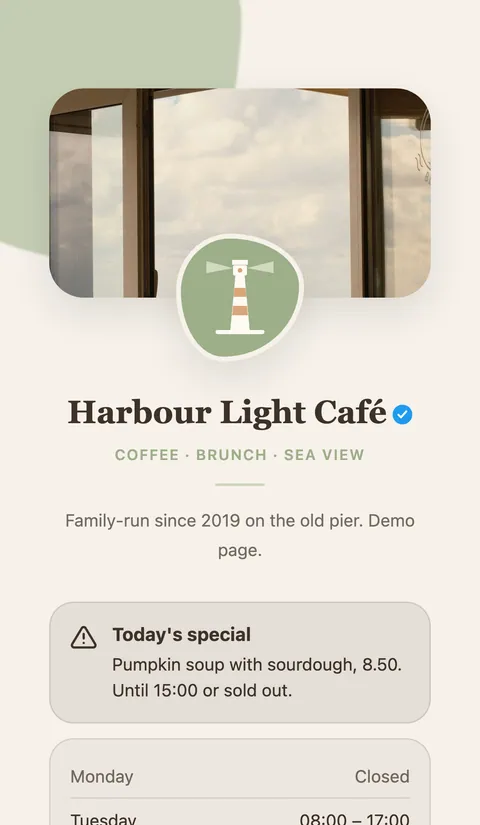
What is a link in bio?
“Link in bio” means: the link is in the profile, not in the post. Instagram and TikTok don’t make links in captions clickable, so creators, shops and clubs point to the one place where a link works: the website field of their profile, shown under the bio.
That field holds one address, or a few on Instagram. A link-in-bio page solves the rest: you put a single address in your bio, and it opens a small page with all your links, your latest release, opening hours or a contact form.
Step-by-step guides
Where the link goes on each platform, what you need, and what to do if it doesn’t show up.
Why a page instead of a single link
Change links without touching the bio
New video, new offer, new event: you change the page, and the address in your bio stays the same on every platform.
More than links
A link-in-bio page can show opening hours, a coupon, a contact card, a form or a gallery, things a plain link can’t do.
See what gets tapped
Statistics show which link and which platform bring visitors, without third-party trackers.
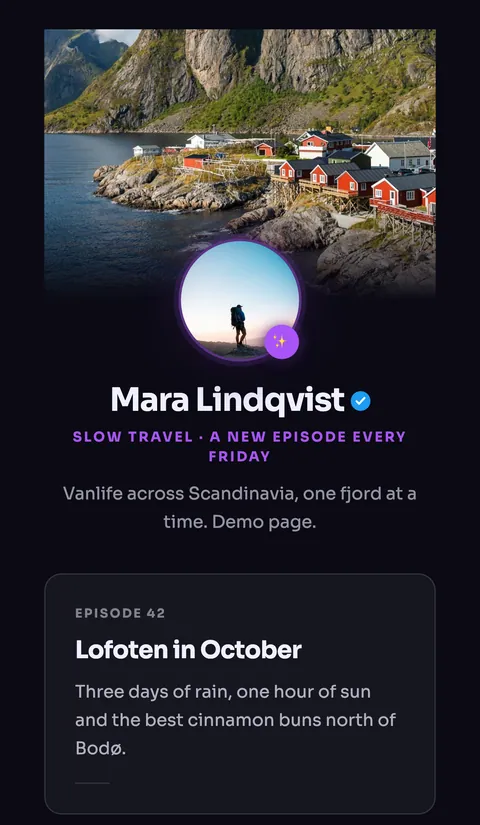
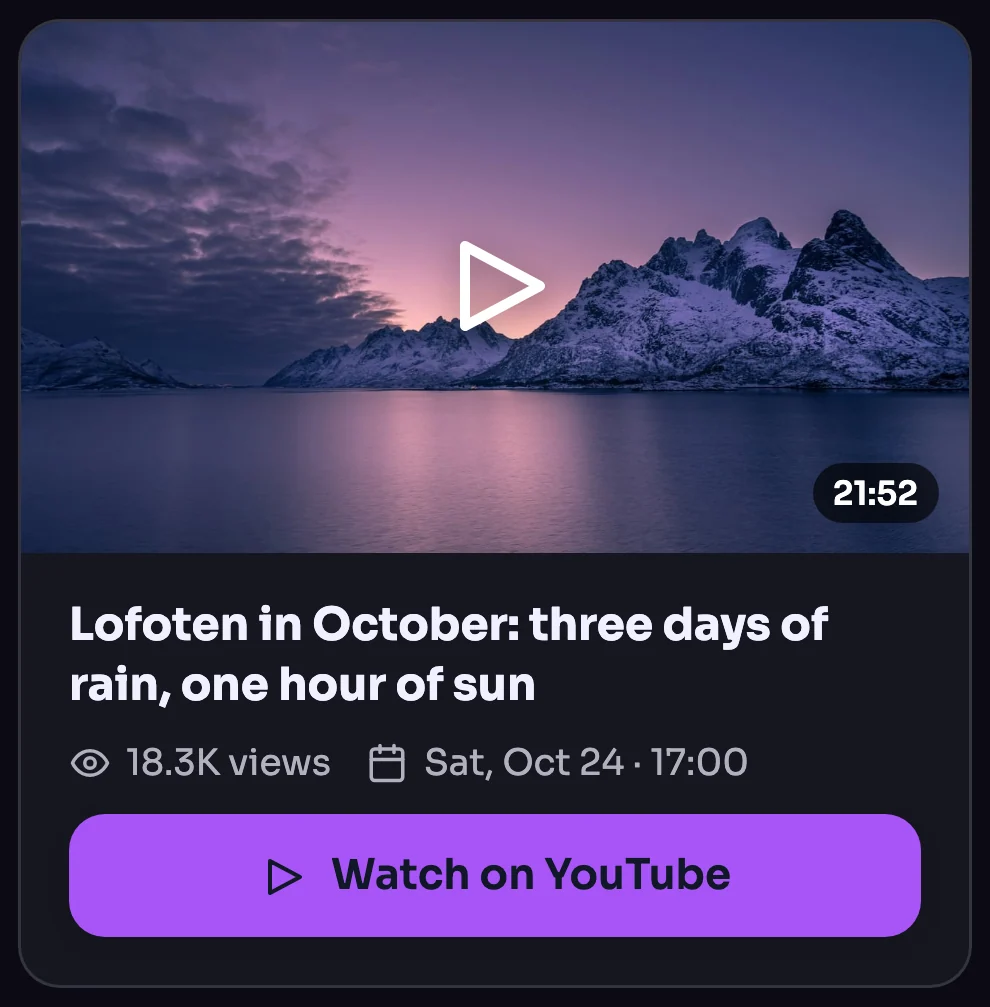
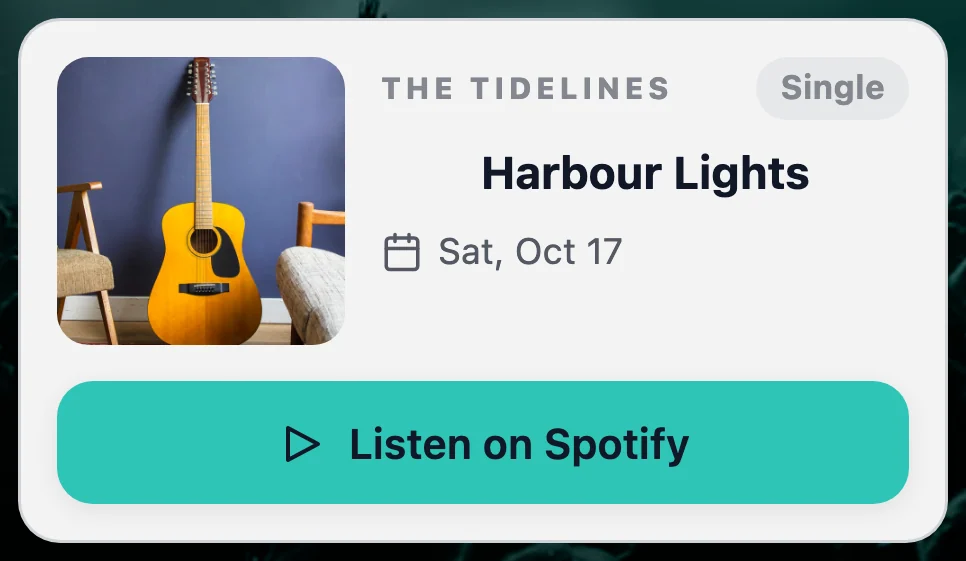
Your free link-in-bio page in three steps
-
Sign up for free at LinkHarbor and pick your address, for example linkharbor.com/your-name.
-
Choose a template, add your links and blocks, and publish. The free plan includes one page with five links and five blocks.
-
Copy your address into the website field of your Instagram, TikTok or Facebook profile. Done.
Frequently asked questions
Is a link-in-bio page free?
At LinkHarbor, yes: the free plan includes one page with five links and five blocks, statistics and followers, with no time limit and no card. Paid plans add more links and blocks, all templates, your own domain and more.
Is LinkHarbor available in my language?
The website and the dashboard are available in 43 languages, and your page shows its texts in the language you write them in. Start in your language at deck.linkharbor.com.
How many links can I put in my bio?
Instagram allows up to five links in the profile, TikTok one website link. With a link-in-bio page you need only one of them and can still show as many links as your plan includes.
How do I open a link in someone’s bio?
Open the profile and tap the link under the bio. Instagram, TikTok and Facebook open it in their built-in browser; through the ⋯ menu you can open it in your phone’s browser instead.
What is the difference between LinkHarbor, Linktree and Later?
All three give you one address for your bio. LinkHarbor adds blocks such as opening hours, forms and coupons, followers you can reach by push and statistics without third-party trackers, and is built and hosted in the EU. See the comparisons with Linktree and Later.
Ready to compare? See all comparisons, the plans or what a page can hold.
Who it's for
Your free link-in-bio page
One page for all your links, with blocks for opening hours, forms, coupons and more. Free to start, no card needed.