Link in bio guide
How to add a link to your Instagram bio
Instagram shows up to five links under your bio. Here is how to add them in the app, how visitors open them, and how one link-in-bio page holds all the rest.
Add a link in the Instagram app
-
Tap “Profile” or your profile picture at the bottom right.
-
Tap “Edit profile” at the top.
-
Tap “Links”, then “Add external link”, and enter the address, for example your LinkHarbor page.
-
Tap “Done”, then go back. The link now shows under your bio.
To change the order, open “Edit profile” → “Links”, tap the options at the top and choose to reorder. To remove a link, tap it and choose “Remove link”.
How to open a link in an Instagram bio
- Open the profile and tap the link under the bio.
- With several links, Instagram shows the first one and how many more there are; tapping opens the list.
- The page opens in Instagram’s built-in browser. To open it in your phone’s browser, tap ⋯ at the top right and choose to open it in the browser.
Five links, or one page with all of them
Five links sound like plenty until you want to show a new video, a shop, a booking link and your newsletter at the same time. And every change means editing the profile again.
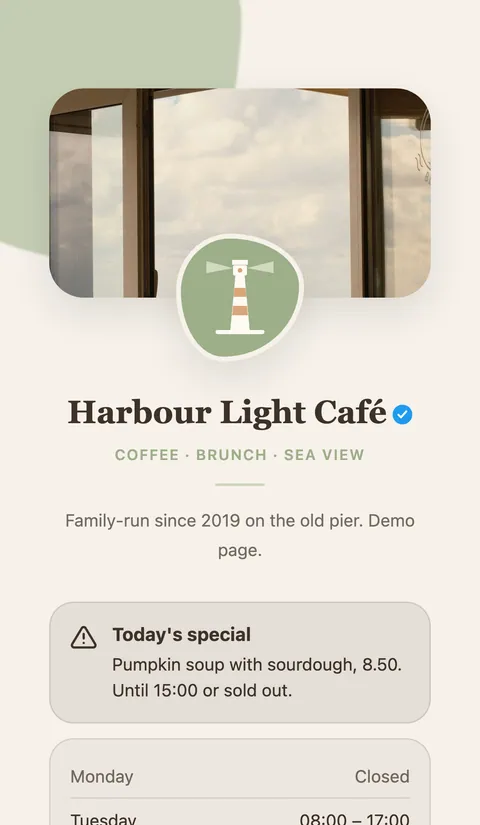
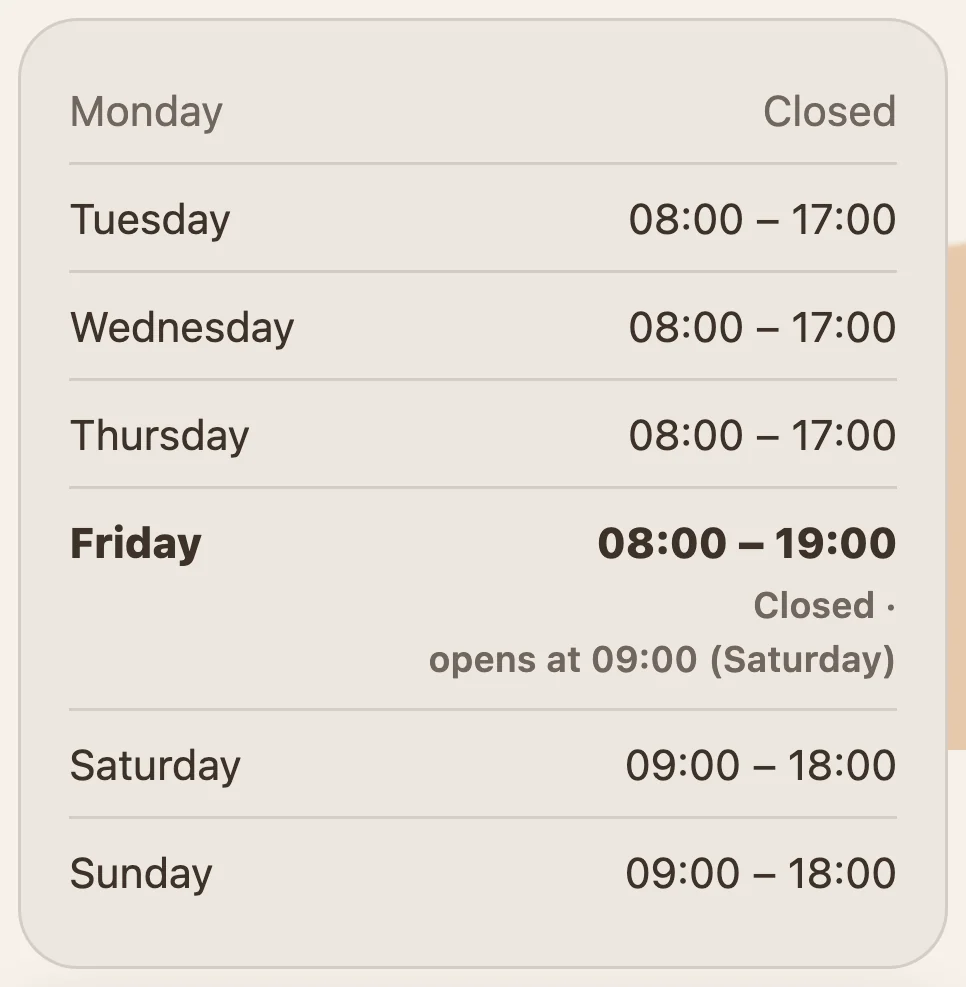
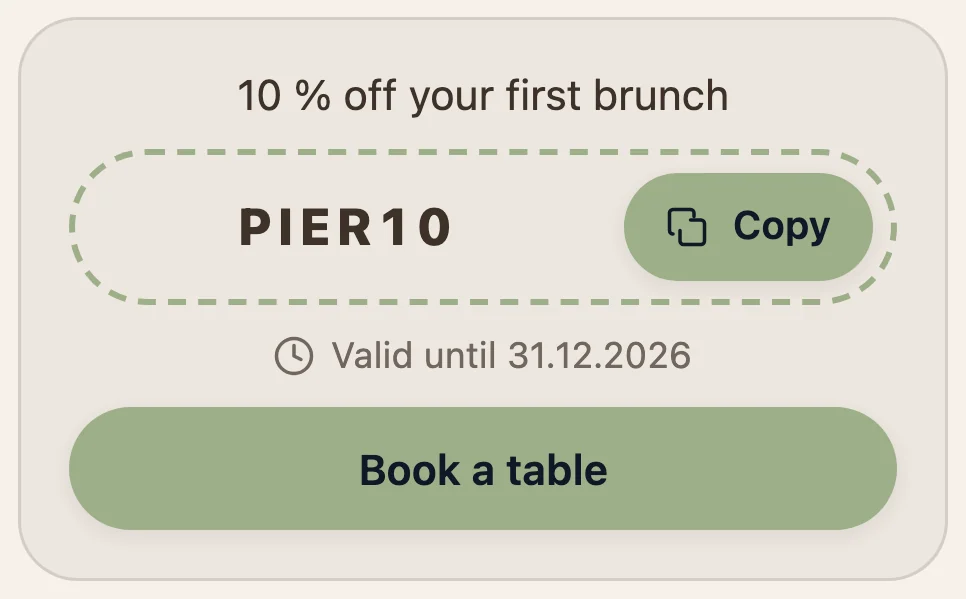
With a link-in-bio page you add a single address to Instagram. Behind it sits a page with as many links as your plan includes, plus blocks for opening hours, coupons or a contact form, and statistics that show which link gets tapped.
Link not showing or not working?
No “Links” field
Update the Instagram app. Links can only be edited in the app, not on a computer.
Link removed
Instagram removes links to certain websites from the profiles of people under 18, and links that break its rules.
Link in a caption isn’t clickable
That is normal: Instagram only makes links in the profile clickable. That’s exactly why people write “link in bio”.
Visits show up as “direct”
Instagram often doesn’t pass on where a visitor came from. Add ?utm_source=instagram to your address, and LinkHarbor shows the visits under that source.
Frequently asked questions
How many links can I add to my Instagram bio?
Up to five. With a link-in-bio page, one of them is enough for all your links.
Can I add the link on my computer?
No. Instagram only lets you add or edit profile links in the app on Android and iPhone.
Do I need a business account?
No. Links in the profile work for personal, creator and business accounts.
Why aren’t links in posts clickable?
Instagram makes links clickable only in the profile and in some formats such as story link stickers, not in captions or comments. That’s why posts say “link in bio”.
More link-in-bio guides
Your free link-in-bio page
One page for all your links, with blocks for opening hours, forms, coupons and more. Free to start, no card needed.