Link in bio guide
How to add a link to your Facebook bio
On Facebook, links live in your profile’s Intro and in a Page’s details. Here is where to add them, how visitors open them, and why one link-in-bio page saves you work.
Add a link to your Facebook profile
-
Click your profile picture at the top right, then your name, to open your profile.
-
Under your profile picture, in the “Intro” section, click “Edit details”.
-
Add your address in the field for websites or links, for example your LinkHarbor page, and check who can see it.
-
Click “Save”.
For a Facebook Page: switch to the Page, tap “Edit” and edit the links next to the field. Facebook says this option isn’t available to everyone yet.
How to open a link in a Facebook profile
- Open the profile or Page and tap the link in the Intro or details.
- In the Facebook app, the website opens in the built-in browser.
- To use your phone’s browser instead, tap the options at the top right and choose “Open in external browser”.
One page for every network
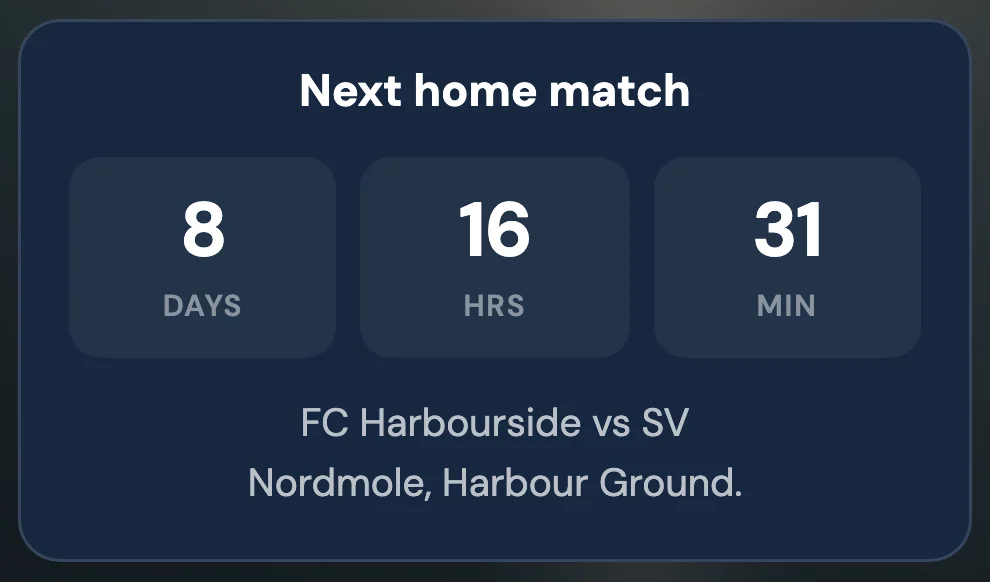
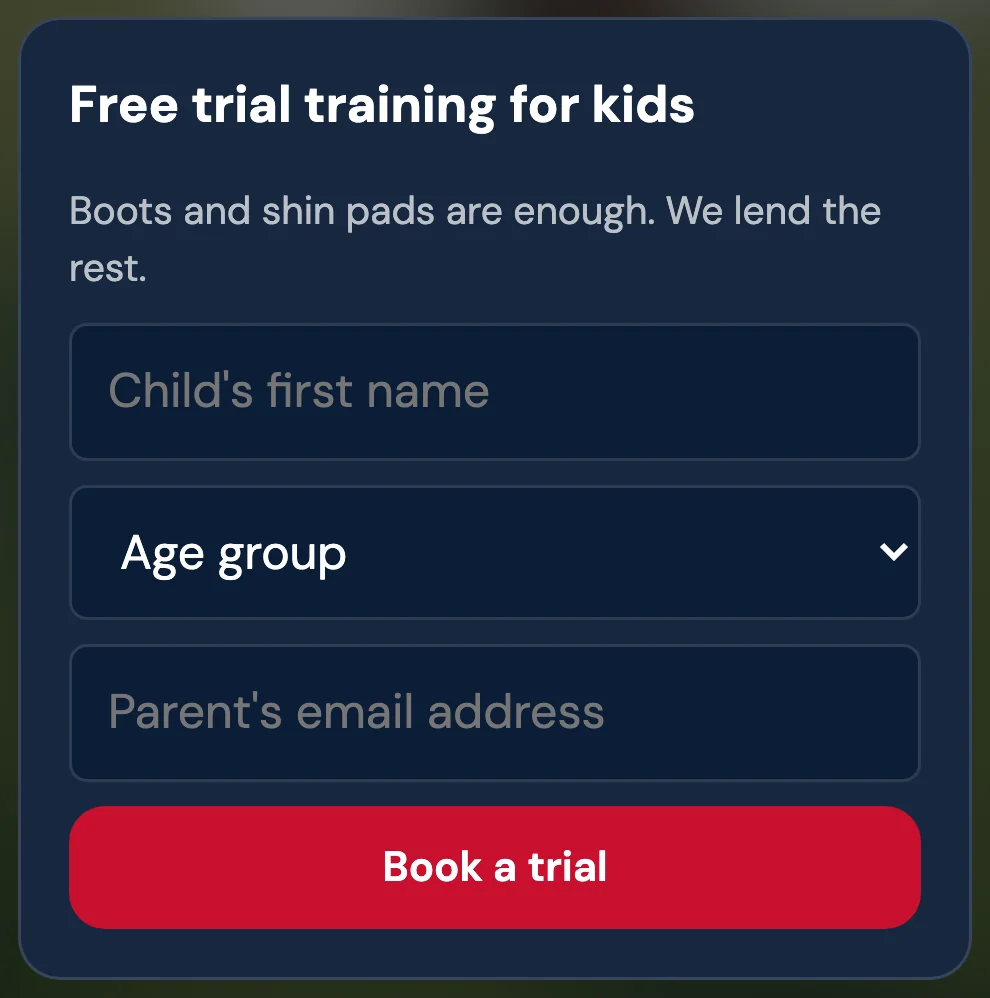
Facebook, Instagram and TikTok each want links in a different place. With a link-in-bio page you put the same address everywhere and keep your links in one place.
Change a link once, and it is up to date on every network. Your statistics show which network your visitors came from.
Link not showing or not working?
Can’t find the field
Facebook names the field differently depending on the app version. Look in the Intro under “Edit details”; on a Page, under “Edit”.
Link not visible to others
Check the audience of the field and set it to public.
Link in a post instead of the profile
Links in posts get buried in the feed. A link in the Intro stays visible on your profile.
Visits show up as “direct”
Add ?utm_source=facebook to your address, and LinkHarbor shows the visits under that source.
Frequently asked questions
Where is the bio on Facebook?
Facebook calls it the Intro: the short section under the profile picture. Links go into its details.
Can I add several links?
Profiles and Pages have room for websites and social links. With a link-in-bio page, one address is enough for all of them.
Does it work for Facebook Pages too?
Yes. On a Page, switch to the Page and use “Edit” to add links.
Why does the link open inside Facebook?
The Facebook app opens websites in its built-in browser. Visitors can switch to their phone’s browser through the options menu.
More link-in-bio guides
Your free link-in-bio page
One page for all your links, with blocks for opening hours, forms, coupons and more. Free to start, no card needed.