












































Where your imprint and privacy notice fit on your page, on Creator Free and from Creator Pro, and which facts LinkHarbor provides for them.
Many creators, freelancers and businesses need an imprint (Impressum) and a privacy notice on their page. LinkHarbor gives you several ways to include these texts. Here you'll find out which options each plan offers and which facts about LinkHarbor you need for your texts.
Three ways to add your legal texts
| Option | Plan | Suited for |
|---|---|---|
| “Info Modal” block | From Creator Pro | Formatted texts with links right on the page, tucked away behind a button |
| “Text” block | All plans | Short details such as name, address and contact right on the page |
| Link | All plans | Legal texts you already have on your own website |
From Creator Pro: the Info Modal
The Info Modal is a button on your page that opens a dialog with your text. It's made for an imprint and a privacy notice: the page stays tidy, and the details are one click away.
- In the Page Builder, add the “Info Modal” block
- Set “Button text” to “Imprint” and “Dialog title” to “Imprint” as well
- Write or paste the text into “Content”; the editor supports headings, lists, bold, italics and links
- If needed, add a second Info Modal for the privacy notice
- Move the blocks to the end of the page and publish
The content can hold 50,000 characters, including formatting. There is also a limit of 65,535 bytes, which texts with many accented letters, emojis or non-Latin scripts reach sooner. The button text can be up to 60 characters long. All fields are explained in Info modal, countdown, gallery and more.
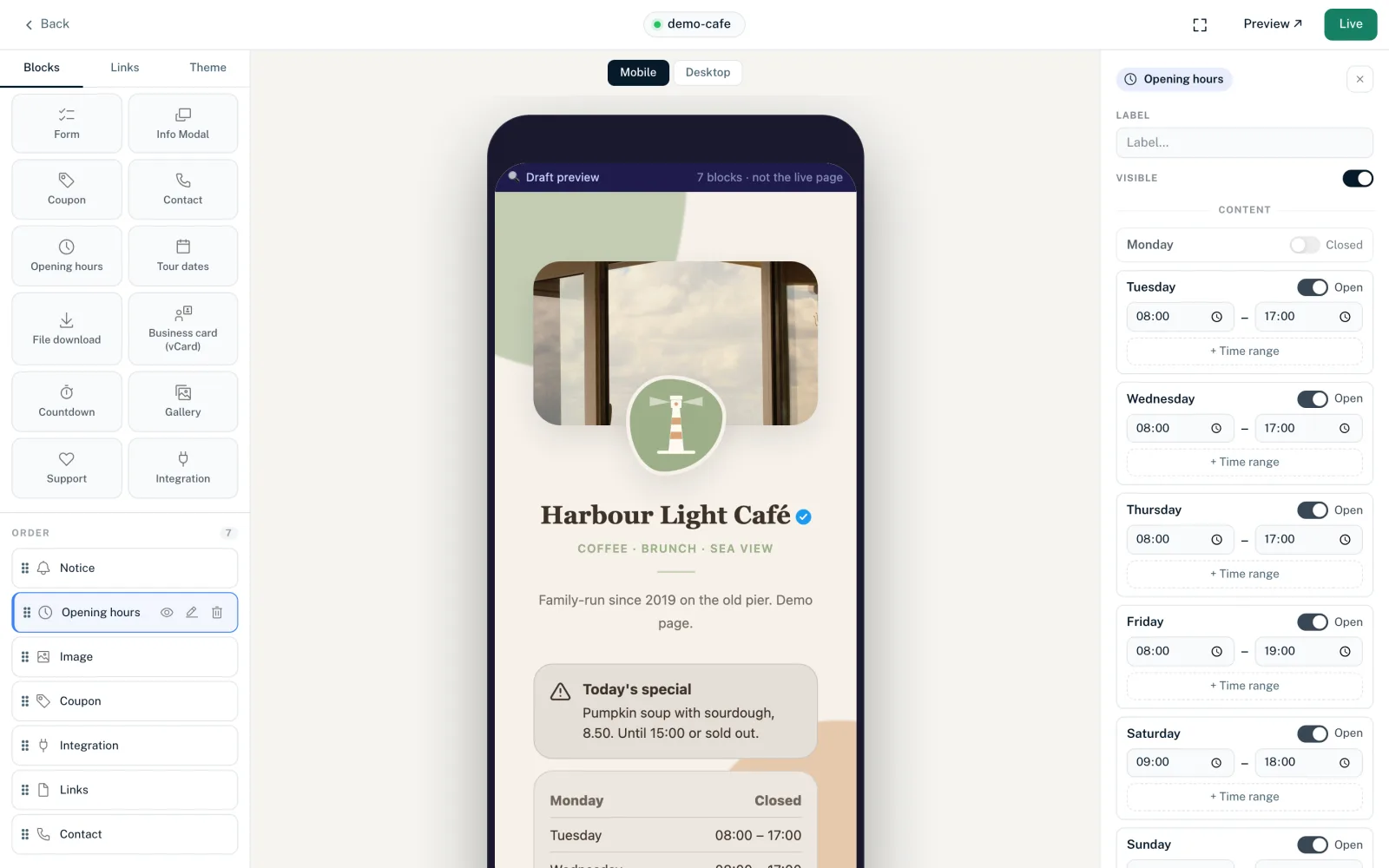
On Creator Free: Text block or link
The Info Modal isn't available on Creator Free. You have two alternatives:
- “Text” block
- Up to 10,000 characters. Line breaks are kept, but there is no formatting and there are no clickable links. In the Middle layout the block gets its own “Heading”, such as “Imprint”.
- Link to your website
- A link titled “Imprint” or “Privacy” that leads to the matching page on your website. Only addresses starting with http:// or https:// are possible as targets.
Keep the limits in mind: Creator Free allows 5 blocks per page, including the Links block, and 5 links. A Text block for the imprint takes up one block, a link for the imprint takes up one link. See Plans compared.
The LinkHarbor footer
At the bottom of every page is the LinkHarbor footer with “Privacy”, “Terms”, “Support” and “Report”. These links lead to LinkHarbor's texts as a platform, not to yours. They don't replace your own imprint or your own privacy notice. The footer can only be hidden on the Enterprise plan.
Facts about LinkHarbor for your texts
For a privacy notice you often need details about how the platform works. You can use these facts; the details are in the LinkHarbor privacy policy:
- Provider
- LinkHarbor is a service of EMI Solutions OÜ, Sepapaja 6, 15551 Tallinn, Estonia.
- Processing
- Processing takes place in the primary region Frankfurt am Main, and backups are kept in the EU. For fast delivery, LinkHarbor uses a worldwide edge network.
- Statistics
- LinkHarbor counts views and clicks itself, with its own cookies and without scripts from other providers. IP addresses are only stored as a hash. Which cookies these are is listed in Cookies and storage on your page.
- Fonts
- LinkHarbor serves fonts itself, not through external font services.
- Videos
- Embedded videos from YouTube, Vimeo or Loom only load once the visitor clicks “Load video”.
- Integrations
- Live widgets can load content such as preview images directly from the platform in question.
- External images
- If you embed images that aren't in your assets, the visitor's browser loads them directly from the third-party server.
- Data processing agreement
- According to the privacy policy, a data processing agreement (DPA) is available on request for Enterprise customers. Send questions about it to privacy@linkharbor.com.
Forms and consent
If you collect data through a form, for example for enquiries or a newsletter, the submissions are stored in your workspace. These options help you with data protection:
- Only ask for what you really need
- Mark agreements as “Consent”, ideally with the checkbox field type, and state in the label what the consent covers
- Set an automatic deletion period for old submissions, see View and keep submissions
- LinkHarbor only stores the IP address of senders as a hash, never in plain text
What to do when someone asks for information about their data is explained in Access and erasure requests from visitors.
You might also find this useful
Nothing found?
Tell us what you need, and our support team will help you personally.