












































Use sale callbacks to match sales from your shop to link clicks, and “Custom (API)” to send live data from your own tools to your page.
LinkHarbor also accepts data from outside. For two cases there are dedicated endpoints with their own secrets – you do not need an API key for them: sale callbacks report sales from your shop, so you can see in your statistics which link brought in revenue. The “Custom (API)” integration brings live data from your own tools onto your page as a widget and can trigger push notifications.
Sale callbacks: matching sales
How the click ID (lt_click_id), matching and reporting fit together is explained in Attributing conversions and sales; here you will find all the fields and responses for developers. In short: when LinkHarbor redirects a counted click to an http or https target, it appends the parameter lt_click_id; your shop remembers it and sends it back after the purchase.
Create a callback secret
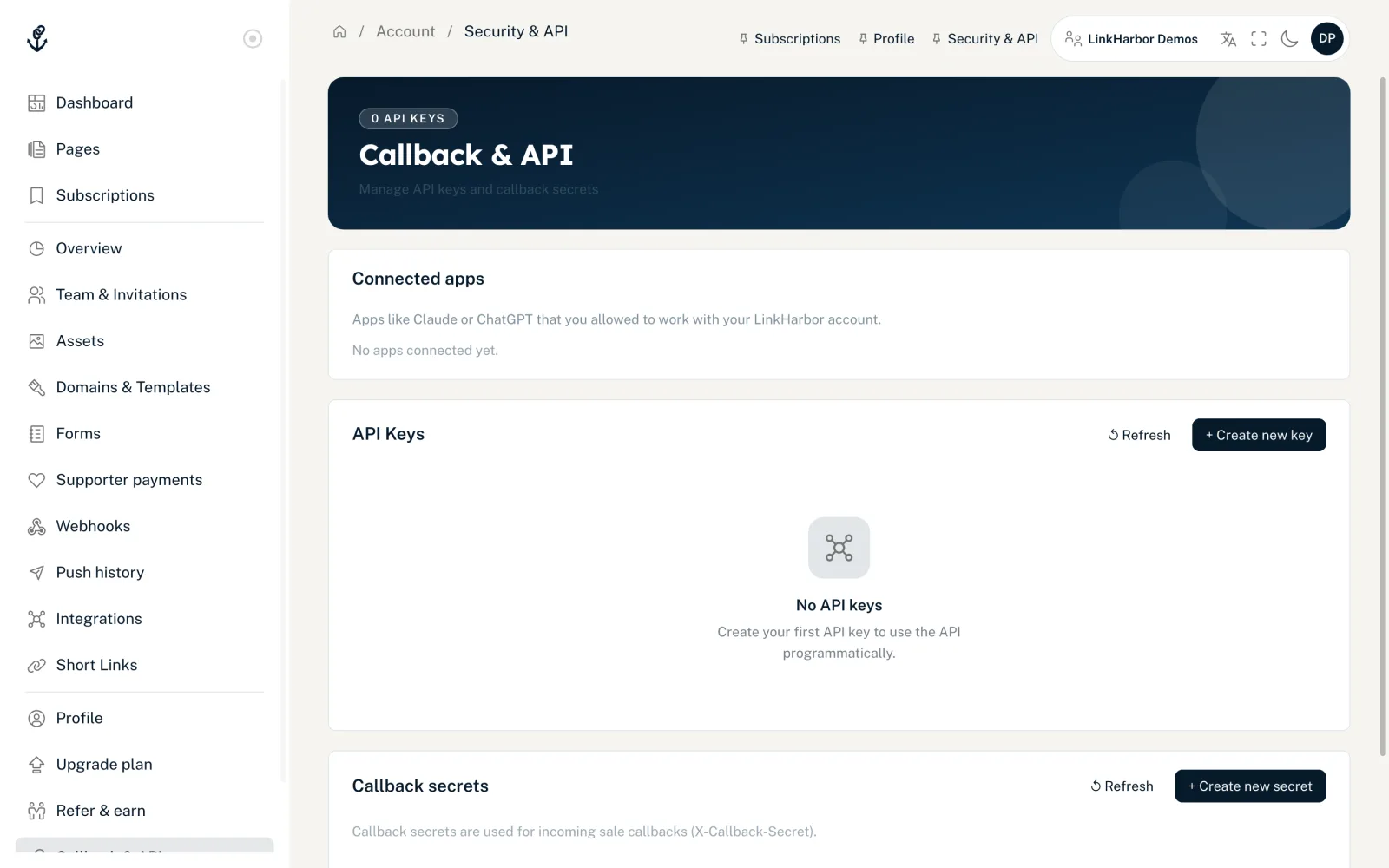
- Open “Callback & API”
- In the “Callback secrets” card, click “+ Create new secret”
- Optionally give it a name, for example “Shop callback”, and click “Create secret”
- Copy the secret straight away – it is only shown once
- Who
- Owners and admins, from Creator Pro. In Creator Free it says “Callback secrets are available from Creator Pro.”
- How many
- Up to 5 secrets per workspace, for example one per shop.
- “Edit”
- Change the name and set the status to “Active” or “Inactive”. With an inactive secret, the API rejects callbacks.
- “↺ Rotate”
- Generates a new secret; the old one stops working immediately.
- “Last callback:”
- Shows when the secret was last used successfully.
Send a callback
curl -X POST https://dock.at-harbor.com/v1/callbacks/sale \
  -H "Content-Type: application/json" \
  -H "X-Callback-Secret: $LH_CALLBACK_SECRET" \
  -d '{
    "click_id": "3f1c2a9e-8d4b-4a51-9f0e-6b7c1d2e3f40",
    "order_id": "A-10023",
    "amount": "49.90",
    "currency": "EUR",
    "occurred_at": "2026-11-01T10:15:00Z"
  }'
# → {"ok":true,"conversion_id":123}| Field | Required | Meaning |
|---|---|---|
| click_id | Yes | The value of lt_click_id (10–36 characters) |
| order_id | Yes | Your order number (1–128 characters); each order number is only counted once per workspace |
| amount | Yes | Amount as a decimal number, for example "49.90"; no negative values |
| currency | Yes | Currency as a three-letter code, for example EUR; the API converts lowercase letters |
| occurred_at | No | Time of purchase (ISO 8601) |
| amount_base_minor, base_currency, fx_rate | No | Converted amount in the smallest unit, base currency and exchange rate, if you sell in several currencies |
| meta | No | Your own extra data as a flat object: up to 50 keys with 1–64 characters; values are text (up to 500 characters), a number, true/false or null; nested objects and lists are rejected |
| workspace_id | No | Your workspace ID; with it, the API reports an unknown click_id as 404 instead of 403 |
| Response | Meaning |
|---|---|
| 200 {"ok":true,"conversion_id":…} | Sale saved – or this order_id was already saved (then the ID of the existing conversion) |
| 403 forbidden | Wrong secret or signature, or unknown click_id (without workspace_id) |
| 403 secret_inactive | The secret is set to “Inactive” |
| 404 not_found | Unknown click_id (only with workspace_id and a valid secret) |
| 413 request_too_large | The body is larger than 1 MB |
| 422 validation_failed | A field is missing or invalid, for example a value in meta that is too long or nested |
| 429 rate_limited | More than 120 callbacks per minute from your IP address |
Optional signature
In addition to the secret, you can send the X-Callback-Signature header. It contains sha256= and the HMAC-SHA256 signature of the raw body in hex. The key is not the secret itself but its SHA-256 hash in binary form. If you send the header, it must be correct – otherwise the callback is rejected.
<?php
$body = json_encode($payload);
$key  = hash('sha256', getenv('LH_CALLBACK_SECRET'), true); // binary hash of the secret
$sig  = 'sha256=' . hash_hmac('sha256', $body, $key);
// Headers: X-Callback-Secret and X-Callback-Signature: $sig, body: $body
Where you see the sales
Reported sales appear as conversions in your statistics, see Attributing conversions and sales. Via the API, you read them with read:stats under /v1/stats/…/conversions/breakdown.
Custom (API): your own live data
With the “Custom (API)” integration, any program that can send HTTP requests – a game server plugin, a bot, a cron script – can send data to LinkHarbor. It turns into a live widget on your page, and push rules can notify your followers.
Connect
- Open “Integrations” in the workspace
- Choose “Custom (API)” and enter a name
- Once connected, the dialog shows the “Ingest URL” and the “Secret” (with “Show secret”)
- Store both in your tool
Integrations are available from Creator Pro. Only owners and admins can see the ingest URL and secret, including later in the integration's detail view. Disconnecting and reconnecting creates a new secret. How to connect integrations in general is explained in Connect an integration.
Send data
curl -X POST "$INGEST_URL" \
  -H "Authorization: Bearer $INGEST_SECRET" \
  -H "Content-Type: application/json" \
  -d '{
    "event": "player.joined",
    "event_id": "join-2026-11-01T20:01:02Z-steve",
    "data": { "player": "Steve" },
    "state": {
      "type": "game_server",
      "name": "Survival SMP",
      "online": true,
      "players_online": 3,
      "players_max": 20
    }
  }'
# → {"ok":true,"event_id":4711,"duplicate":false,"event_type":"player.joined"}- event
- Free-form event name, for example player.joined. It is converted to lowercase and is the name push rules react to. Without event, the event is called state.updated.
- event_id
- Optional key that prevents double processing. If the same event_id is sent again, LinkHarbor responds with duplicate: true and does nothing.
- data
- Values for the placeholders in push texts, for example {player}. Up to 40 keys, simple values only.
- state
- The complete state of the widget. It fully replaces the previous one. type is game_server (game server card) or status (status card).
Instead of Authorization: Bearer, you can also send the secret in the X-LinkHarbor-Secret header. 120 calls per minute are allowed per IP address. Optionally, you sign the body: the X-LinkHarbor-Signature header contains sha256= and the HMAC-SHA256 signature of the raw body with the secret as the key. If you send it, it must be correct.
| Response | Meaning |
|---|---|
| 200 {"ok":true,…} | Event saved, with duplicate: true for a known event_id |
| 400 invalid_json | The body is not a JSON object |
| 401 invalid_secret | Wrong secret or unknown ingest URL |
| 401 signature_invalid | X-LinkHarbor-Signature does not match the body |
| 413 request_too_large | The body is larger than 64 KB |
| 422 validation_failed | Neither event nor state in the body |
| 429 rate_limited | More than 120 calls per minute from your IP address |
You might also find this useful
Nothing found?
Tell us what you need, and our support team will help you personally.